

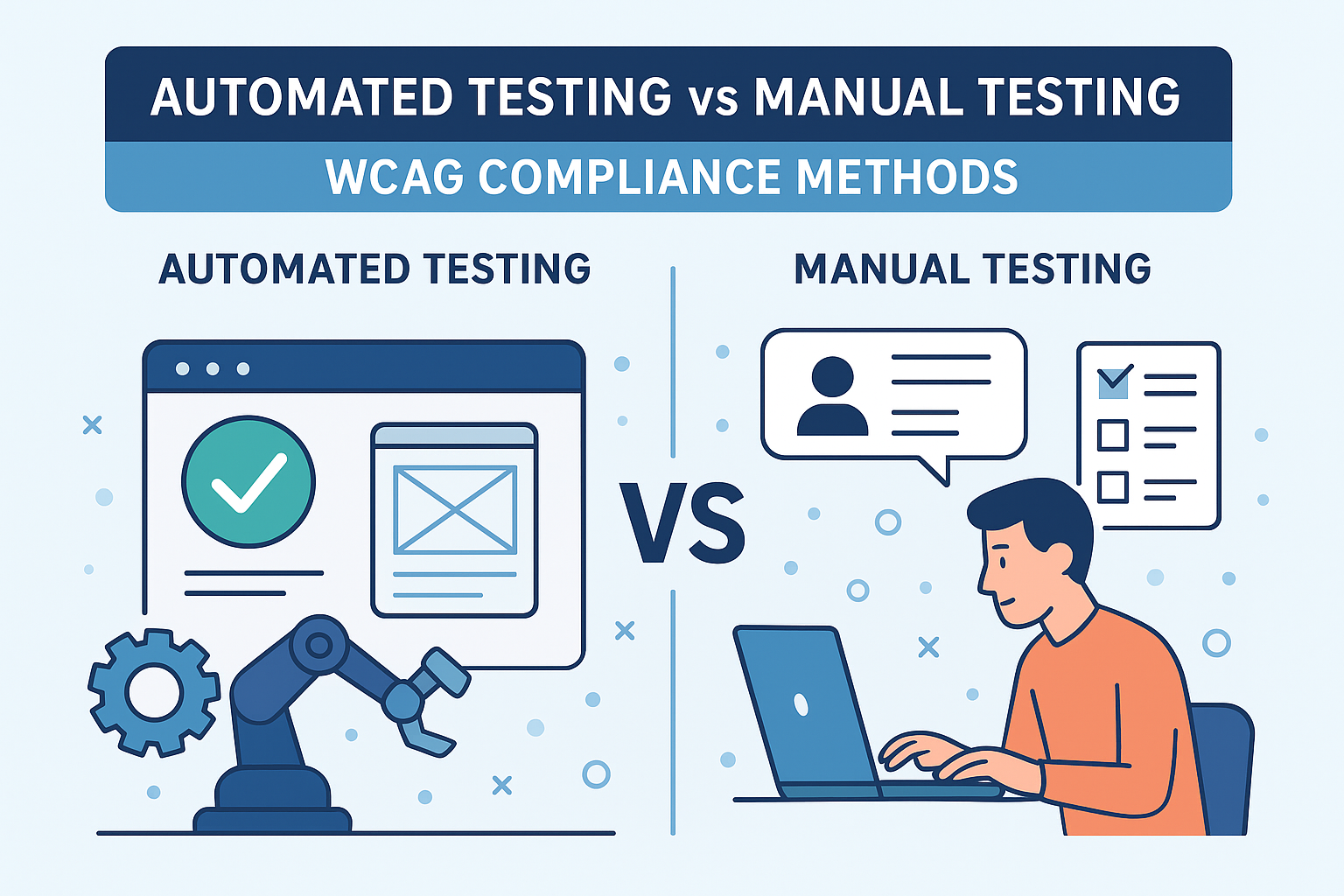
Automated Testing vs Manual Testing — WCAG Compliance Methods
Automated Testing vs Manual Testing — WCAG Compliance Methods
Introduction
Comprehensive accessibility testing requires a balance between automation and human evaluation. Automated tools efficiently detect obvious, code-based WCAG violations, while manual testing checks for user experience factors that automated scanners cannot interpret. Both approaches work best when combined into a continuous monitoring process.
The Web Content Accessibility Guidelines (WCAG) cover hundreds of testable success criteria across perceivable, operable, understandable, and robust principles. Only a hybrid testing model — part automation, part manual — can confidently confirm compliance, usability, and real inclusivity.
Why Both Testing Methods Are Important
Choosing between automated and manual testing is not an either/or decision. Each plays a unique role: automation scales evaluation quickly, while manual auditing ensures context accuracy.
- Automated testing rapidly scans codebases to identify programmatic errors — missing alt text, color contrast ratio failures, missing form labels, or ARIA misuses.
- Manual testing simulates real human interaction — navigating via keyboard, reading with screen readers, and verifying task completion logic.
The combination of both methods delivers reliable WCAG conformance verification.
Automated Accessibility Testing
How It Works
Automated testing tools analyze rendered code to flag violations based on predefined WCAG rulesets. They run at scale across websites, single-page applications, or repositories, producing detailed logs and dashboards for developers.
- Detects structural issues, such as missing headings or improperly nested elements.
- Checks presence of alt text, ARIA attributes, and form labels.
- Measures color contrast between text and backgrounds.
- Integrates seamlessly with CI/CD pipelines for ongoing validation.
Benefits
- Fast, repeatable, and cost‑effective across large codebases.
- Ideal for regression testing and automated monitoring.
- Generates quantitative data for accessibility scorecards.
Limitations
- Detects only around 30 – 40 % of total WCAG issues.
- Cannot assess content meaning, readability, or focus flow.
- May produce false positives or overlook contextual errors.
Manual Accessibility Testing
How It Works
Manual validation assesses real accessibility and usability through human judgment. Testers evaluate structure, navigation, readability, and interactive behavior using assistive technologies and keyboard operations.
- Verifies logical tab order and focus visibility.
- Confirms correct heading hierarchy and landmarks.
- Checks for meaningful link names and descriptive alt text.
- Interprets context-specific requirements such as warning text or instructions.
Benefits
- Catches subtle usability or context failures automation misses.
- Simulates authentic user experiences with assistive technology.
- Validates subjective aspects like readability and tone.
Limitations
- Time‑consuming and requires expert evaluators.
- Not easily scalable for thousands of pages without prioritization.
- Results may vary slightly between reviewers if criteria are unclear.
Recommended Testing Workflow
Combining both methods creates an efficient, sustainable evaluation cycle.
- Automated pre‑check: Run fast scans using accessibility tools integrated with your development environment or build process.
- Manual review: Focus expert effort on complex templates, navigation flows, forms, and dynamic components.
- User testing: Involve real users with disabilities to collect experiential feedback on usability and satisfaction.
- Regression retesting: Run automation again after fixes to confirm that no new issues were introduced.
Top Tools for Automated WCAG Testing
- axe DevTools: Browser extension and API integrated system by Deque for WCAG 2.2 audits.
- WAVE (Evaluation Tool): Quick visual analysis of color contrast, structure, and ARIA implementation.
- Pa11y CLI: Command‑line utility for continuous integration and automation scripting.
- Lighthouse Accessibility: Built into Chrome for fast auditing and report exports.
- Accessibility Insights: Microsoft tool combining automated and step‑by‑step manual checks.
Manual Testing Techniques
- Keyboard‑only navigation: Use Tab and Shift + Tab to ensure every interactive element can be reached and activated.
- Screen reader testing: Check reading order and label clarity with NVDA, VoiceOver, or JAWS.
- Zoom and reflow checks: Verify layouts remain readable and comprehensible at 200–400 % zoom.
- Color‑vision simulation: Ensure color is not the only means of conveying information.
- Content review: Judge reading level and language simplicity against WCAG 3.1.5 (Reading Level).
Building Accessibility Testing into Development
- Integrate CI‑based automation with GitHub Actions or Jenkins to run axe‑core or Pa11y scans on every commit.
- Include accessibility checklists for code reviews to catch ARIA and semantic markup errors.
- Document tests and results in accessible reports or dashboards for team visibility.
- Plan monthly manual reviews for key pages and templates.
When to Prioritize Manual Testing
Allocate manual testing resources strategically for content or components where user perception is critical.
- Transactional forms and checkout flows.
- Dynamic or interactive widgets like sliders and custom dropdown menus.
- Complex data visualizations requiring text alternatives.
- Critical communication content (e.g., errors, instructions, alerts).
These areas affect user trust and satisfaction more than static sections.
Establishing Measurable Results
Accessibility testing efforts should be reflected in metrics and reports aligned to WCAG criteria. Typical KPIs include:
- Reduction in violations per 1000 elements since last release.
- Percentage of issues detected and resolved within set SLA periods.
- Automated test coverage versus total page templates.
- User testing feedback scores for clarity and operability.
Common Testing Pitfalls
- Overreliance on automation: Leads to false confidence and missed contextual failures.
- Skipping manual confirmation: Automated passes don’t guarantee true user success.
- Missing assistive tech testing: Each tool has unique interpretation; cross‑verify with screen readers.
- Poor documentation: Testing without recording results prevents trend tracking and governance.
Conclusion
Both automated and manual testing are essential to achieving true WCAG compliance. Automation provides speed and scalability; manual testing provides accuracy and usability insight. Integrating both into your design and QA cycles creates a continuous feedback loop that keeps accessibility up to date and verified by real human experience.
Next steps: Build an accessibility testing pipeline that combines CI automation and scheduled manual audits. Train teams to interpret WCAG criteria and collaborate on solving issues detected by each method.


