

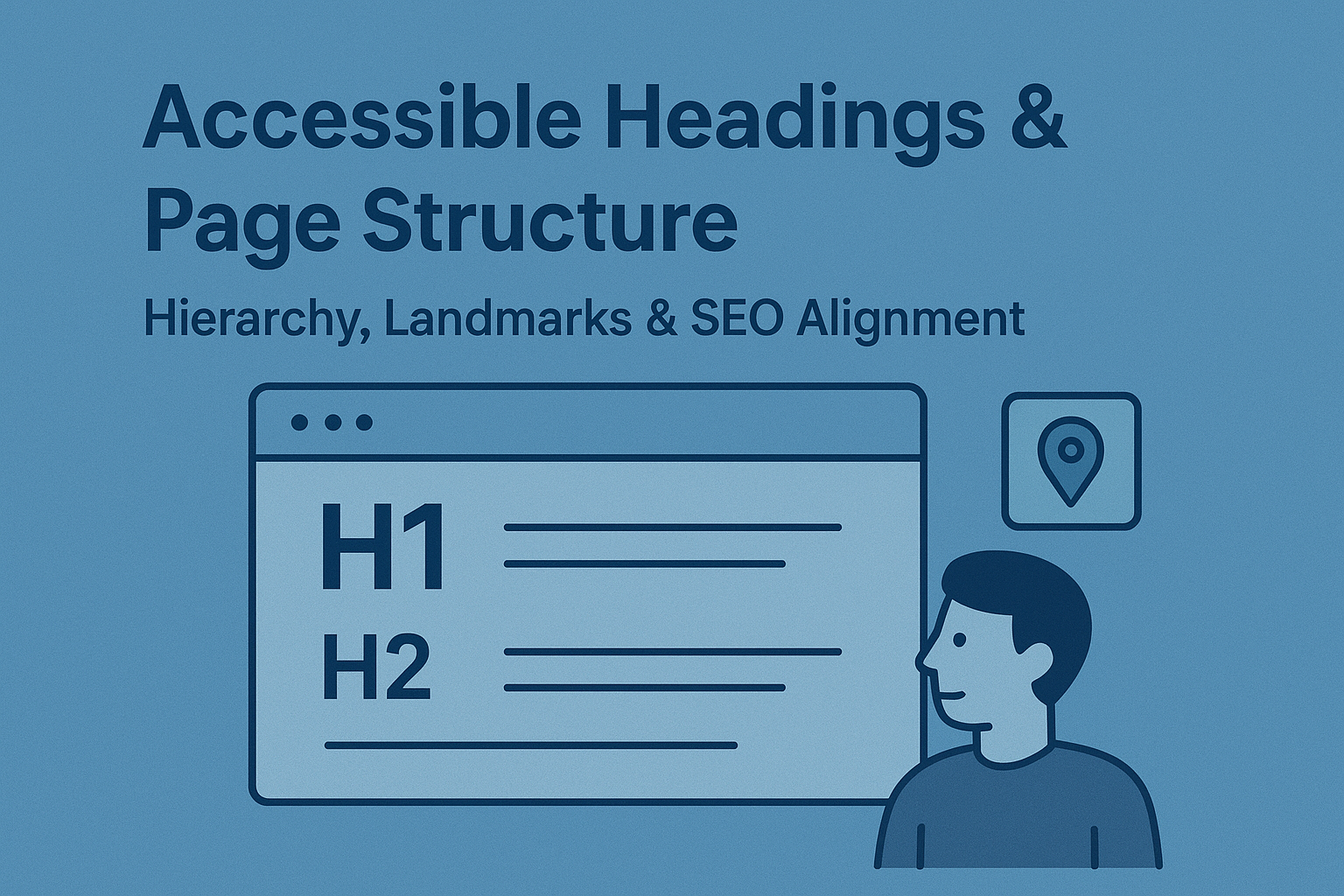
Accessible Headings & Page Structure — Hierarchy, Landmarks & SEO Alignment
Accessible Headings & Page Structure — Hierarchy, Landmarks & SEO Alignment
Introduction
A logical page structure benefits everyone — not just assistive technology users. Headings and landmarks provide organization, improve comprehension, and allow users to navigate complex pages efficiently. Screen reader users often skim by headings, while sighted users rely on visual hierarchy. Accessible structure merges both perspectives into an intuitive, logical experience.
According to WCAG 2.2 Success Criterion 1.3.1 (Info and Relationships) and 2.4.6 (Headings and Labels), content must be organized with clear relationships communicated programmatically.
Why Headings & Structure Matter
- Assistive technologies use headings to create navigation shortcuts.
- Headings aid comprehension and chunk content visually.
- Proper structure strengthens SEO by helping search engines understand context and relevance.
Establishing Heading Hierarchy
Headings (<h1> through <h6>) define content hierarchy, not size or style. Use levels sequentially to indicate sections and subsections.
<h1>Main page title</h1>
  <h2>Section title</h2>
    <h3>Subsection</h3>
    <h3>Another subsection</h3>
  <h2>Next section</h2>
- Use exactly one
<h1>as the main page descriptor. - Never skip levels (e.g., jumping from
<h2>to<h5>). - Use headings to convey hierarchy — not visual formatting.
Headings & Assistive Technology
Screen readers like NVDA and JAWS allow users to jump between headings or generate an outline of the page. Meaningful headings give structure to users navigating non‑visually.
- H — Jump to the next heading.
- Insert + F6 (JAWS/NVDA) — View all headings on the page.
Descriptive, accurate titles provide a clear overview of the content flow, helping users skim and orient themselves effectively.
Accessible Landmark Regions
Landmarks act as orientation anchors within pages, allowing users to jump directly to areas like navigation or main content. Use semantic HTML5 elements before adding ARIA roles:
<header></header>
<nav></nav>
<main></main>
<aside></aside>
<footer></footer>
- <header> — Represents the page or section introduction.
- <nav> — Encapsulates primary navigation links.
- <main> — Contains the core content unique to that page.
- <aside> — Holds supplementary or related information.
- <footer> — Includes metadata, contact info, or site credits.
ARIA equivalents (role="banner", role="navigation", etc.) should only be used when HTML5 semantics are unavailable.
Page Titles and SEO Alignment
Accessible headings and strong SEO share the same goals — clarity, structure, and relevancy. A well-organized heading hierarchy transforms both accessibility and discoverability.
- Ensure the page
<title>reflects its content purpose and matches the primary<h1>. - Use headings consistently across templates or components.
- In article pages, separate
<h1>for the article title and<h2>for related sections.
Best Practices for Accessible Page Structure
- Use headings only to introduce new content sections, not as decorative text.
- Keep headings concise (ideally 50–70 characters).
- Support alternative navigation methods like skip links to jump between landmarks.
- Verify heading hierarchy with accessibility tree tools or browser add‑ons.
Testing Page Structure & Headings
- Use screen reader heading navigation (JAWS/NVDA/VoiceOver) to confirm correct reading sequence.
- Inspect heading order in browser DevTools Accessibility panel.
- Use automated evaluators (WAVE, axe DevTools) to detect breaks or skipped levels.
Common Accessibility Errors
- Missing <h1>: Pages without an overall title confuse assistive tech users.
- Skipped heading levels: Jumping from
<h2>to<h4>disrupts hierarchy understanding. - Overuse of headings for styling: Visual emphasis shouldn’t replace structural meaning.
- Redundant region roles: Applying ARIA where semantic elements already exist.
Conclusion
Accessible headings and landmarks are the backbone of structured content. They help users orient themselves, improve SEO through meaningful hierarchy, and create a consistent experience across devices and technologies. A clear structure benefits everyone, from screen reader users to casual skimmers.
Next Steps: Review your page structures, re‑establish heading consistency, and integrate heading audits into your design system documentation to maintain accessibility at scale.


