

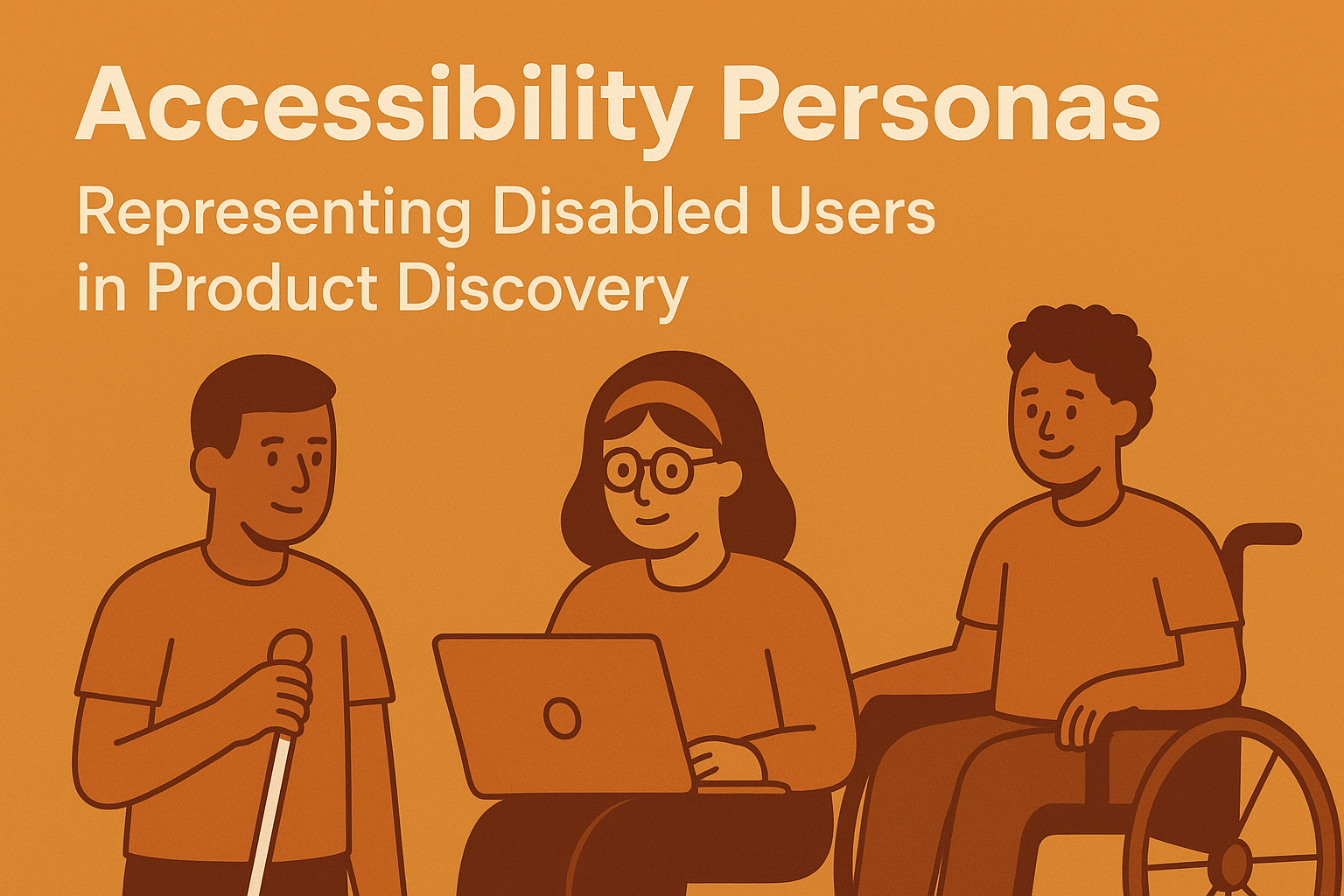
Accessibility Personas — Representing Disabled Users in Product Discovery
Accessibility Personas — Representing Disabled Users in Product Discovery
Introduction
User personas are a cornerstone of human‑centered design — used to align teams around real customer needs. However, most traditional personas overlook people with disabilities, unintentionally excluding a significant segment of the population. Accessibility personas bridge this gap by representing diverse ability contexts, ensuring that inclusion starts at the very beginning of product discovery.
This article explains how to build realistic accessibility personas, integrate them into your design processes, and use them to uncover accessibility insights long before development begins.
Why Accessibility Personas Matter
- Bring visibility to a wide range of physical, sensory, and cognitive needs during early ideation.
- Prevent accessibility from being a post‑development compliance fix.
- Foster empathy and understanding among teams building digital experiences.
- Ensure that product goals and journeys reflect real access scenarios rather than assumptions.
Core Components of an Accessibility Persona
1. Demographics & Context
- Include name, age range, role, and any technology‑usage summary relevant to the product space.
- Describe environmental context — device type, work conditions, connectivity, input method, etc.
2. Disability / Access Profile
- Define the disability category (e.g., visual, auditory, motor, cognitive, or multiple).
- Describe assistive technologies used — screen reader, voice input, keyboard navigation, captions, or magnifiers.
- Focus on how the environment interacts with ability, not the diagnosis itself.
3. Goals & Motivations
- What digital tasks do they aim to complete, and how do accessibility barriers affect these goals?
- What motivates them to use the product or service — independence, connection, efficiency, confidence?
4. Pain Points & Barriers
- Outline the specific friction points they face when using typical designs.
- Reference examples such as lack of keyboard focus, missing captions, or unclear language.
- Note how these issues affect emotional and practical outcomes.
5. Inclusive Design Opportunities
- Identify design strategies and features that improve usability for this persona and others.
- Connect personas to accessibility guidelines (WCAG criteria) and inclusive design heuristics.
Building Authentic Accessibility Personas
Step 1: Conduct Inclusive Research
Engage directly with people with disabilities through interviews, usability tests, and co‑design sessions. Use this qualitative input to base personas on lived experiences, not assumptions.
- Recruit participants with diverse accessibility needs and assistive tech usage.
- Ask open‑ended questions about workflows, barriers, and adaptation techniques.
- Collaborate with disability advocates or Employee Resource Groups (ERGs) to validate findings.
Step 2: Cluster Themes & Patterns
- Group insights across multiple users by access modes (e.g., low‑vision, Deaf / hard of hearing, cognitive processing).
- Identify shared goals, pain points, and environmental similarities.
- Translate qualitative data into representative, composite personas.
Step 3: Craft Persona Artifacts
- Design format consistency with your existing personas — image, quote, summary, and journey map.
- Use plain language and avoid medicalized descriptions.
- Include assistive‑tech context (e.g., “Maria navigates our web app using VoiceOver on iOS”).
Step 4: Integrate into Discovery & Development
- Include accessibility personas in stakeholder workshops and ideation sessions.
- Reference them during story mapping, prioritization, and user journey creation.
- Use personas to drive accessibility acceptance criteria and research hypotheses.
Example Persona Snapshot
| Attribute | Example Data |
|---|---|
| Name & Context | Maria — Marketing Manager using VoiceOver on iPhone to access web‑based dashboards while commuting. |
| Disability / Assistive Tech | Low vision — relies on screen reader and dynamic type for navigation and content reading. |
| Goal | Review daily analytics reports quickly and share insights with the team. |
| Pain Point | Buttons and tables inaccessible due to missing labels and improper focus order. |
| Opportunity | Implement ARIA labels, semantic HTML, and keyboard shortcuts to improve speed and accuracy. |
Tracking Persona Impact
Core Metrics Framework
| Metric | Data Source | Frequency | Goal / Benchmark |
|---|---|---|---|
| Accessibility Persona Adoption Rate | Design Review Logs | Quarterly | > 80% of new projects use personas |
| Inclusive Design References in User Stories | Agile Boards / JIRA | Per Sprint | ≥ 1 accessibility acceptance criterion per story |
| User Satisfaction Improvement (Post‑Rollout) | Accessibility Surveys / Analytics | Semi‑Annually | ≥ 15% measured increase |
| Cross‑Functional Training Coverage | LMS / HR Learning Reports | Quarterly | > 75% of team trained on inclusive personas |
Common Pitfalls
- Tokenism: Creating a single “disabled” persona instead of representing diverse access contexts.
- Assumptive data: Personas based on stereotypes rather than authentic research.
- Lack of integration: Personas exist in documentation but are not actively referenced during design or backlog grooming.
- Stagnant updates: Personas that fail to evolve as user research and technology contexts change.
Best Practices for Sustainable Persona Use
- Update accessibility personas annually with new user insights and metrics.
- Pair personas with accessibility heuristics or journey maps to illustrate systemic barriers.
- Include representatives with disabilities in persona validation and storytelling.
- Share personas widely through visual boards, workshops, and onboarding materials.
Conclusion
Accessibility personas make inclusion tangible. They challenge design teams to consider varied perspectives, leverage assistive technology empathy, and design for all — not just the majority. By embedding authentic disability representation into product discovery, organizations set a foundation for equitable innovation and stronger, more universally usable products.
Next Steps: Conduct inclusive user research, create 3‑5 accessibility personas representing different abilities and access modes, and embed them in your design reviews and product planning sessions to make accessibility a human story before it becomes a technical requirement.


