

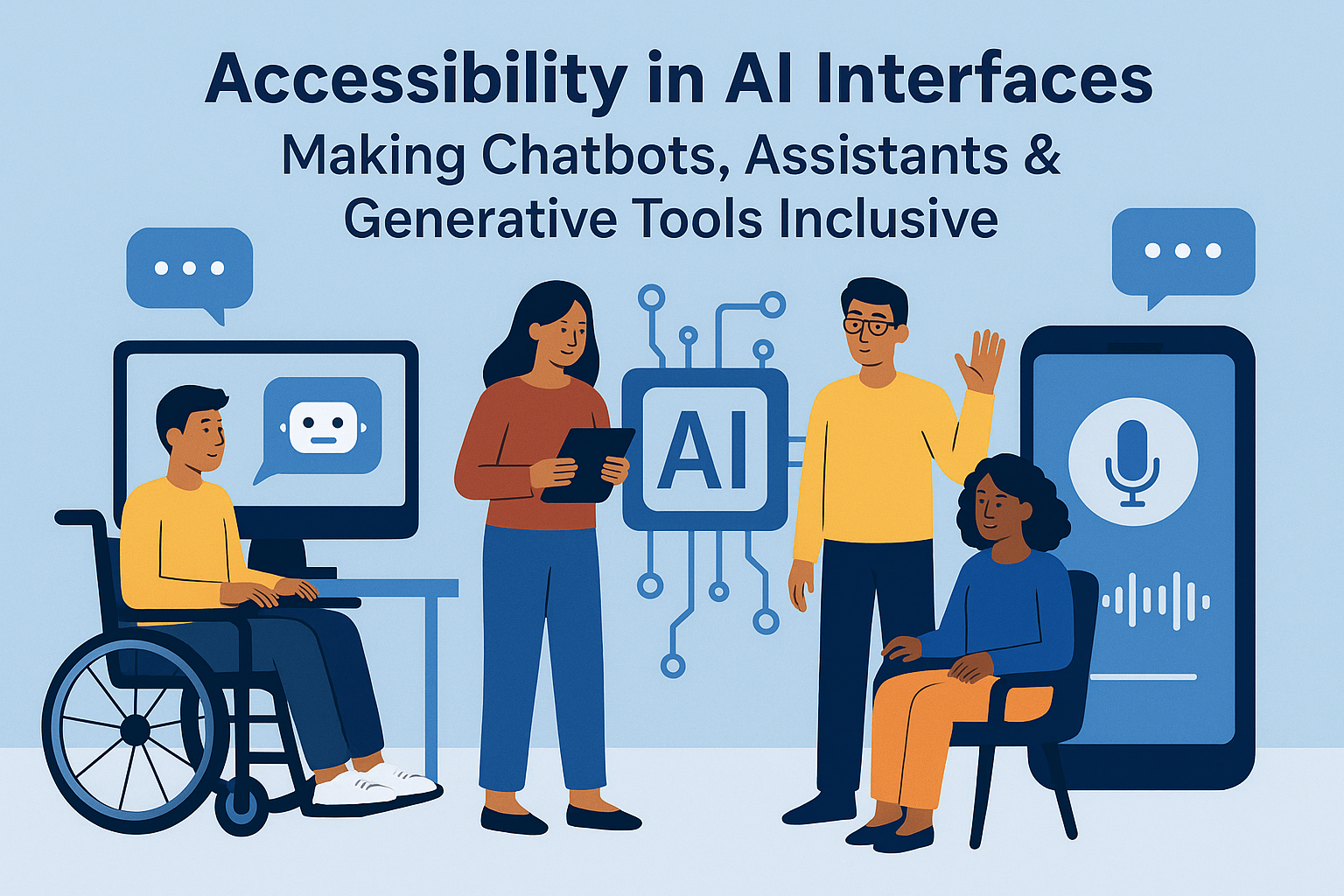
Accessibility in AI Interfaces — Making Chatbots, Assistants & Generative Tools Inclusive
Artificial Intelligence (AI) is transforming how users interact with digital products — from conversational chatbots and generative text tools to visual assistants and smart devices. Yet, without inclusive design, these technologies can reinforce barriers for users with disabilities or amplify bias in ways that exclude people altogether. Accessibility in AI interfaces ensures equitable interaction — allowing users of all abilities, languages, and devices to engage meaningfully with intelligent systems. This guide outlines best practices for designing and developing accessible AI-powered systems in accordance with WCAG 2.2 and emerging W3C Accessible Platform Architectures guidelines. Inclusion must be designed into the foundation — not retrofitted after release. Ensure that chatbot UIs are built on accessible HTML structures with ARIA roles and predictable focus order. Ensure users can navigate conversations entirely by keyboard:Accessibility in AI Interfaces — Making Chatbots, Assistants & Generative Tools Inclusive
Introduction
Why Accessibility in AI Matters
Designing Accessible Chatbots & Conversational Interfaces
1. Clear Structure & Semantics
<section aria-label="Chat conversation" role="log" aria-live="polite">
  <div role="dialog" aria-labelledby="botTitle">
    <h2 id="botTitle">Accessibility Support Chatbot</h2>
    <div id="chat-window" aria-live="polite"></div>
    <label for="userInput">Type your question</label>
    <input id="userInput" aria-describedby="botPrompt">
    <button type="submit">Send</button>
    <div id="botPrompt">Press Enter to submit your question.</div>
  </div>
</section>
aria-live="polite" for streaming messages without interrupting the user’s current context.
2. Keyboard and Screen Reader Compatibility
role="log" or aria-live regions for chat streams.
Provide multiple input and output options: This alignment supports diverse assistive technologies and environmental conditions. Generative models (text, image, video) must produce output that is perceivable and understandable. Inclusivity is not only functional but also ethical. AI systems must avoid propagating language or assumptions that alienate users with disabilities or marginalized identities. Accessible voice interfaces bridge visual and motor limitations but must ensure understandable speech recognition and output clarity. Testing requires both technical validation and user research involving people with disabilities. Combine automated scanning with experiential testing. AI accessibility combines technical precision with human-centered ethics. By applying WCAG principles, implementing durable ARIA semantics, and testing inclusively, creators can ensure that chatbots, assistants, and generative tools empower — not exclude — their users. When designed with accessibility in mind, AI becomes not only intelligent but also equitable. Next Steps: Audit your AI interfaces for accessibility features, test multimodal speech and text flows with assistive technologies, and embed equity into your model training and interaction design processes.
3. Multimodal Accessibility
Generative AI & Content Accessibility
Bias & Ethical Accessibility
Voice Assistants & Spoken Interactions
Testing AI Interface Accessibility
Common Accessibility Challenges in AI Interfaces
Best Practices for Accessible AI Systems
aria-live, role="log") to ensure conversational visibility.
Conclusion


